

Spreadsheet vs. Dedicated System: Tracking Payer Enrollment Status
Spreadsheets track payer enrollment until they can't. See why practices move to dedicated systems and what breaks before that happens.
A spreadsheet records payer enrollment status as a static list, while a dedicated system actively tracks deadlines, re-attestation cycles, and payer-specific requirements as they change. A spreadsheet can hold a provider's name, an effective date, or a payer ID. It cannot send an alert when a CAQH re-attestation window opens or flag an expiring credential before a claim gets denied. Payer enrollment is not a single data entry task. It is a continuous process involving multiple commercial and government payers, each with distinct timelines, document requirements, and renewal cycles that shift independently of one another. A spreadsheet is a manual record of what has already happened: an application submitted, a date entered, a status noted by hand. A dedicated enrollment system is software built specifically to manage the workflows, documents, and deadlines tied to provider credentialing and payer enrollment as an ongoing operation. The distinction matters because enrollment failures are rarely caused by missing information. They are caused by missing timing. A lapsed re-credentialing date or an unmonitored payer requirement can halt reimbursement even when every other part of a claim is accurate. Spreadsheets depend entirely on someone remembering to check them, update them, and cross-reference them against every payer's independent schedule. Dedicated systems remove that dependency by building deadline management, document tracking, and status updates into the structure of the tool itself. For a single provider with one or two payer relationships, a spreadsheet may track the basics adequately. As the number of providers and payers grows, the manual checking required to keep a spreadsheet accurate expands faster than any staff member can reliably manage it by hand.
What Counts as Payer Enrollment Tracking, and Why a Spreadsheet Looks Like Enough

Tracking payer enrollment means watching every provider's status with every payer, all the time, including effective dates, re-attestation windows, and renewal rules that each payer moves on its own clock. For a lot of chiropractic practices, the tool doing that job is a spreadsheet.
So the spreadsheet looks like enough, at first. But enrollment isn't a one-time task. It's a ledger trying to keep up with deadlines, re-attestations, and payer rules that never sit still, and that ongoing motion is exactly what maintaining commercial credentialing through the year demands and exactly what a static list can't deliver.
Why the Static Spreadsheet Breaks Down
A spreadsheet survives data entry. It does not survive scale.
The habit that breaks it is treating a static list as a system of record instead of a snapshot of one day's truth.
As providers and payers get added, a hand-updated cell falls behind before anyone notices. That quiet gap is where denied claims start, once volume outruns what any file can show in real time.
Why Manual Tracking Fails as Enrollment Scales
Manual tracking fails because every update is a human act with no automated check behind it. The HHS Office of Inspector General notes that each time information changes hands, or is acted upon outside an automated system, the risk of error increases. A spreadsheet has no check behind any of those handoffs.
Practices tracking status across several plans should learn how to monitor progress across several payers and build it into the daily workflow, not bolt it onto a spreadsheet after the fact.
Where the Breakdown Actually Costs Revenue
Here's where it gets expensive: the breakdown rarely happens where a practice is looking. It happens at the two points where a person has to act on information instead of a system confirming it.
Each handoff is a chance for the file to drift from what is actually true. A spreadsheet cannot catch that drift, because nothing in the cell knows it is wrong.
The Data Entry Chokepoint
A denied claim rarely starts with the clinical record. It starts with a provider ID typed wrong, a payer field left blank, or a status copied from memory instead of confirmed.
That information has already changed hands more than once before it ever reaches a claim. Medallion found that nearly 30% of respondents spend over eight business days gathering provider information for payer enrollment. For those respondents, that's more than a week spent gathering provider information before enrollment can move forward.
The Deadline Blind Spot
So the second failure point is timing, not accuracy. A re-attestation window closes, a credential lapses, and nothing on the sheet says so until a claim bounces back. Knowing where that ownership sits is part of knowing when to assign a credentialing role, because a missed date is rarely a single person's mistake.
What a Dedicated System Actually Does Differently
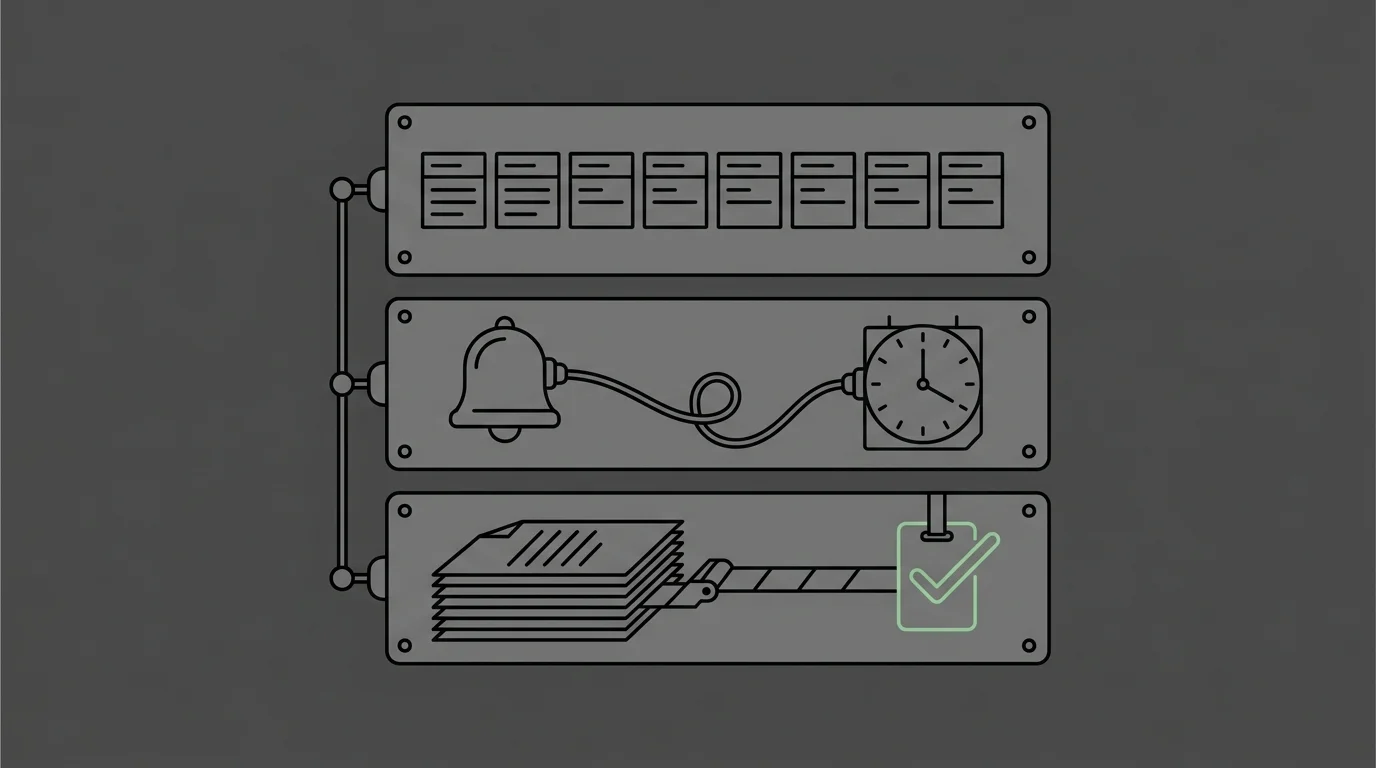
Submission isn't billing. Getting paid is billing, and a dedicated system only helps by putting each deadline in front of a person in time to act on it.
| Capability | Spreadsheet Approach | Dedicated System Approach |
|---|---|---|
| Deadline Tracking | Relies on someone remembering to check dates against a mental calendar | Flags re-attestation windows and expiring credentials before they lapse |
| Status Updates | Updated manually when a staff member remembers to edit a cell | Each status check is logged with a date and tied to the next required action |
| Data Structure | Free-text fields that hold whatever was typed, accurate or not | Structured fields tied to rules that trigger the next required action |
| Scaling Across Payers | Accuracy depends on one person cross-referencing every payer by hand | Built to manage multiple payer-specific timelines as an ongoing operation |
| Role In Revenue Cycle | Functions as a static record of what was submitted | Functions as the operational engine behind getting paid, not just filed |
Structured Fields Instead of Free Text
So the free-text cell goes away, and a structured field tied to a rule takes its place. A spreadsheet lets someone type a date and move on, but the system knows what that date sets in motion next. That move from a manual list to real structure marks a shift in a practice's operational maturity, not just a software swap.
Automated Alerts Instead of Manual Recall
That structure is what makes automated alerts possible at all. Now a closing re-attestation window gets flagged before it shuts, not after a claim bounces back. Practices already chasing denials after the fact still need help with chiropractic claim denials, and the alert is there to make that call a rarer one.
Where Judgment Still Has to Do the Work
Here's the limit nobody puts on the sales page: automation can route a document, date-stamp an entry, and flag a deadline. But it can't decide why a claim was denied, build the appeal, or judge whether a payer's rejection is worth contesting.
Why This Isn't a Software-Replaces-Human Story
So the old assumption comes back, that software handles the whole job because the EHR takes care of it. An EHR submits claims, and that's where its job ends, because denials, appeals, and AR recovery need human judgment. Every denial carries its own reasoning, and no structured field can read that reasoning on its own.
Moving From a Spreadsheet to a System Without Losing Data

So the question is not whether to move off the spreadsheet. It is how to move without losing the one thing a spreadsheet actually got right: a record of what already happened.
A migration that drops history trades one failure mode for another.
| Migration Step | What Happens | Risk if Skipped |
|---|---|---|
| Verify every row against the payer portal | Each provider's status, effective date, and credential expiration gets confirmed against the payer's own record, not the spreadsheet cell | Entries typed from memory instead of confirmed carry forward into the new system as if they were accurate |
| Sequence providers by deadline pressure, not list order | Providers closest to a re-attestation window or an expiring credential move into the dedicated system first | A provider with an imminent deadline sits untouched while the migration works through the sheet in its original order |
| Map every payer-specific requirement into a structured field | Document types, renewal cycles, and payer rules that lived as free text get rebuilt as fields tied to automated alerts | The new system looks complete but cannot flag a deadline it was never told to track |
| Preserve historical status as a record, not a working file | Past submissions and resolved enrollments move into the system as archived history rather than active rows | The system starts tracking forward with no record of what already happened, leaving gaps the next audit will find |
| Confirm alerts fire before the first live deadline passes | Each re-attestation window and expiring credential gets tested against the system's alert logic before go-live | A missed first deadline undermines confidence in the system before it has proven it works |
Auditing the Spreadsheet Before Migration
Before anything moves, every row gets checked against the payer's own portal, not against what the cell says.
Sequencing the Cutover by Payer Risk
Not every payer relationship carries the same risk if the cutover slips. So the providers closest to a re-attestation window or an expiring credential move first, not whichever row happens to sit at the top of the sheet. Sequencing by deadline pressure instead of list order is what keeps a claim from bouncing mid-migration.
Frequently Asked Questions
Some questions show up every time this comparison comes up. So here's where practices tend to get tripped up in the details.
What specific payer enrollment data points are hardest to track in a spreadsheet?
Re-attestation windows and effective dates by payer are the hardest to hold accurately. Each one moves on its own schedule, and a static cell cannot track a moving deadline.
At what point does a spreadsheet become a liability for tracking enrollment?
It turns into a liability once hand-checking every row outpaces what staff can reliably manage. And that point comes sooner with every new provider or payer added.
How does a dedicated system prevent revenue loss from lapsed re-credentialing deadlines?
It ties every deadline to a rule and flags it before the window shuts. So nobody has to remember to open a file for revenue to stay protected.
Can spreadsheets still be used for other revenue cycle tasks alongside a dedicated enrollment system?
Yes. A spreadsheet can still serve basic data storage for other tasks; the issue is relying on it for enrollment's moving deadlines specifically.
What does implementation look like when moving from a spreadsheet to a dedicated enrollment tracking system?
It starts with an audit of the existing sheet against each payer's own portal, then a staged cutover, then a check that alerts fire before the first live deadline.
How does failing to track CAQH re-attestations affect payer enrollment?
A missed re-attestation window can halt reimbursement even when the clinical claim is accurate.
What are the first signs that enrollment tracking has outgrown a spreadsheet?
The first sign is a missed deadline nobody caught until a denial arrived. The second is staff time spent cross-checking payer rules by hand instead of on the rest of the front-desk work.
What This Means
A spreadsheet is a ledger. It tells a practice what already happened, never what happens next.
But payer enrollment is a moving target, with deadlines that shift, payers that rewrite rules, and credentials that expire on their own clock. A static list can't chase any of it. That's why proactive denial management and human judgment decide revenue outcomes, not the tool holding the dates.
So the real question was never spreadsheet versus software. It was whether a practice keeps treating enrollment as a filing task or starts running it as the operational engine behind payment. If a re-attestation window or a provider's enrollment status has already started drifting past what the sheet shows, book a call with Bushido Billing to get a clear read on where it stands.