

How to Audit Clearinghouse Error Logs in Jane App and ChiroFusion
Learn how to audit clearinghouse error logs in Jane App and ChiroFusion to fix rejections and raise your clean claim rate.
Auditing clearinghouse error logs in Jane App and ChiroFusion means systematically reviewing every rejected claim inside each platform's claims or billing dashboard to identify the specific reason code, correct the underlying data error, and resubmit before the timely filing window closes. In Jane App, this involves navigating to the insurance or claims section, filtering for rejected or unpaid claims, and reading the clearinghouse response attached to each line item. In ChiroFusion, the process centers on the claims management module, where rejected claims display a status flag and an accompanying rejection reason pulled directly from the clearinghouse feed. A clearinghouse rejection is not the same event as a payer denial. A rejection means the claim never reached the insurance company because it failed a formatting, eligibility, or data-matching check somewhere between submission and adjudication. Common triggers include mismatched patient demographic information, invalid or outdated payer identification numbers, incorrect provider identifiers, and missing or malformed diagnosis-to-procedure code pairings. Correcting a rejected claim requires locating the flagged field, updating it against the source data, and resubmitting through the same clearinghouse connection. A structured audit reviews the full error log on a fixed schedule rather than addressing rejections one at a time as they appear. This allows the same rejection code to be tracked across multiple claims, which reveals whether a single data entry habit or workflow step is generating repeated failures. Reviewing the log in aggregate, rather than claim by claim, converts the exercise from routine correction into a diagnostic tool for identifying and eliminating the root cause of recurring rejections.
What Actually Separates a Rejection From a Denial (And Why It Changes Your Whole Workflow)
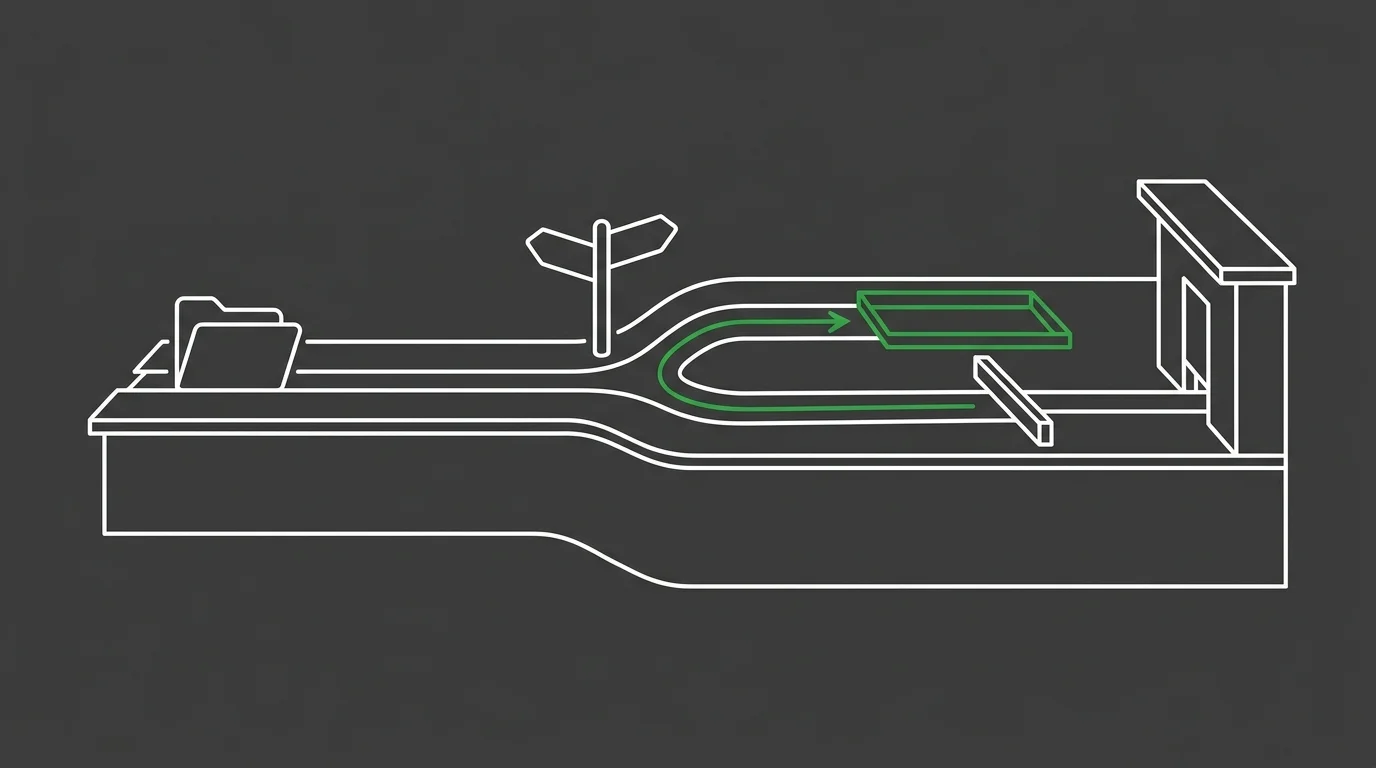
Rejections and denials are two different problems, and they need two different fixes. Treat them as the same thing, and you'll apply the wrong one every single time.
A denial means the payer received the claim, adjudicated it, and refused payment on the merits. A rejection never made it that far. A rejected claim is not a denied claim; it's an opportunity to correct a data error before it ever reaches the payer and impacts your revenue cycle. That distinction determines whether staff should be appealing a decision or simply fixing a field.
Where the Line Gets Blurry
Here's where it gets slippery. Some clearinghouse messages read like denials but are still just rejections — a response citing eligibility usually means the payer ID or member number didn't match on file.
Chasing that as if it were a coverage dispute wastes staff time on an appeal nobody needs to file. The the limits of built-in EHR billing integration matters here, because how a platform surfaces that distinction shapes how fast staff catch it.
The Rejection Categories That Show Up Again and Again
The same rejection codes keep showing up, and they fall into a handful of buckets. Most error logs are ruled by demographic mismatches, payer ID errors, eligibility flags, and diagnosis-to-procedure pairing failures.
Documentation gaps eat a lopsided share of billing losses across the specialty. CMS documents that insufficient documentation accounted for 95.5% of improper payments for chiropractic services, while no documentation, incorrect coding, medical necessity issues, and other errors made up the remainder. That figure covers payer-side improper payments, but it points straight at the weak spot clearinghouse logs catch earlier and cheaper: incomplete or mismatched data walking out of the practice before a claim is ever adjudicated.
| Improper Payment Cause | Share of Chiropractic Improper Payments | Where It Originates |
|---|---|---|
| Insufficient documentation | 95.5% | Missing or incomplete records supporting the billed service, most often a front-desk or clinical charting gap |
| No documentation, incorrect coding, medical necessity, and other errors | Remainder of improper payments | Charting and coding steps further downstream in the claims workflow |
Reading the Root Cause Behind a Rejection Code
A rejection code is a symptom, not a diagnosis. When the same code keeps coming back, something upstream is generating it on a schedule, not by accident.
Comparing how each platform surfaces that code matters more than memorizing the code itself. The Jane App vs ChiroFusion vs ChiroHD comparison breaks down how each system's claims dashboard labels and routes these recurring rejections.
The Cost of Treating Every Rejection as a One-Off
Fixing one rejection at a time feels productive. It's also the slowest possible way to find a problem that's hitting the whole system.
Sure, each correction closes a single claim. But it leaves the habit that caused it fully intact, so the same field fails again next week under a different patient's name.
Why Manual, Claim-by-Claim Fixing Breaks Down at Volume
Most clearinghouse error logs sit unread far more often than they get worked, and that neglect is what turns them into a cost center instead of a diagnostic asset. A staff member clearing rejections claim by claim never steps back far enough to see the pattern underneath.
Volume is what breaks manual fixing. Ten rejections a week, you can pick off one by one; fifty a week buries you, and the backlog starts filing claims late. The Why Staff Billing Training on Jane App piece digs into why piling on more manual correction never fixes a workflow that keeps generating the same errors.
Finding the Clearinghouse Report Inside Jane App
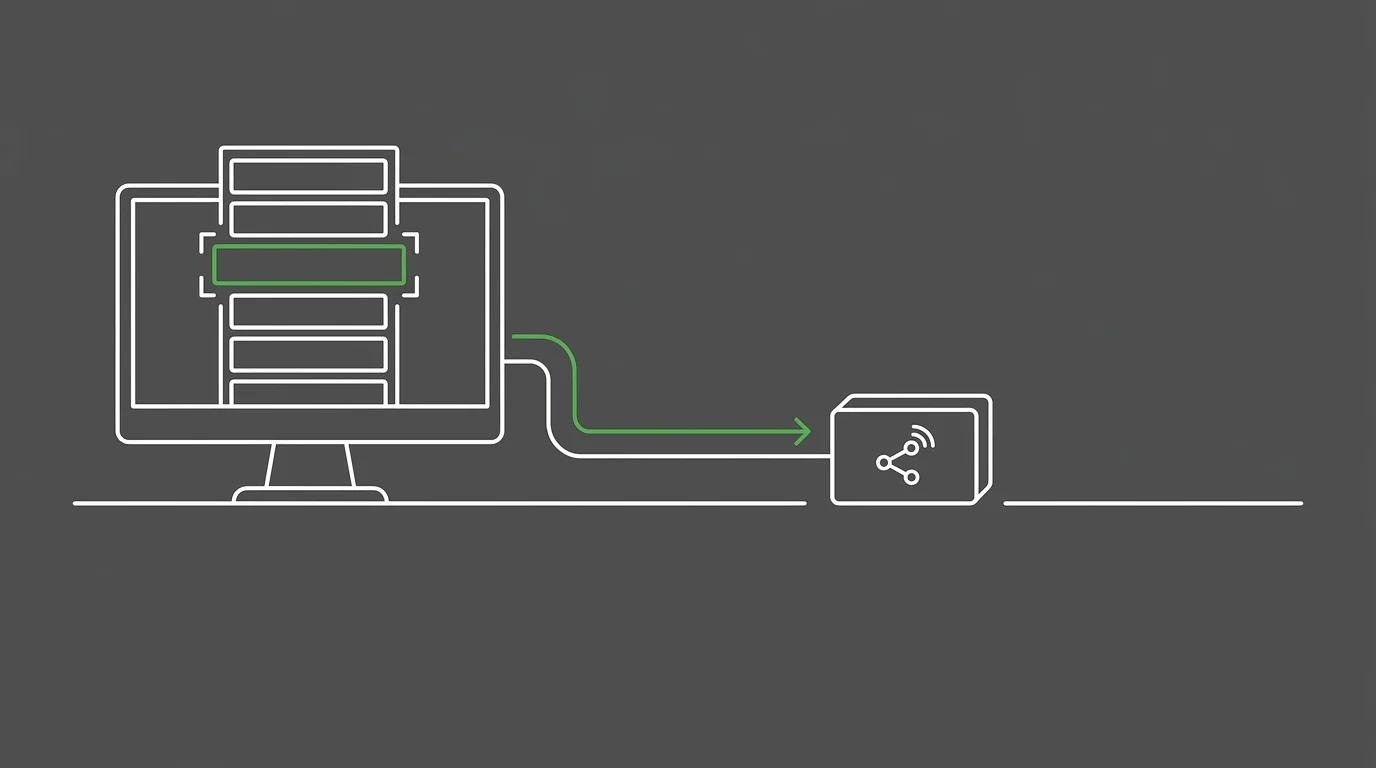
None of that distinction matters until a practice can actually see the rejection sitting in front of it. Jane App keeps that data in its claims section, not buried somewhere in a general ledger view.
So staff head to the insurance or claims dashboard and filter by status to pull out the rejected or unpaid claims. Every line item carries the clearinghouse's original response word for word, not a paraphrased summary of it.
What Jane App's Claim.MD Integration Changes About the Audit
Jane App routes its claims through a Claim.MD integration, which changes what the audit actually looks at. Rejection reasons arrive as structured data pulled directly from Claim.MD's own edit checks, not a generic error message written after the fact.
While both Jane App and ChiroFusion provide tools to manage claims, their specific workflows for identifying and resolving clearinghouse rejections have key differences. Jane App's structured feed makes it easier to filter and sort rejections by reason category. For a practice weighing how billing sits inside its broader operations, that is worth understanding alongside the full range of specialist chiropractic billing help built around claims work like this.
Finding and Reworking Rejections Inside ChiroFusion
ChiroFusion keeps rejections right inside the claims management module, not off on some separate reporting screen. Each flagged claim carries a status marker and the rejection reason pulled straight from the clearinghouse feed.
| Audit Step | Jane App Location | ChiroFusion Location |
|---|---|---|
| Locate the rejection | Insurance or claims dashboard, filtered by rejected or unpaid status | Claims management module, flagged with a status marker |
| Read the rejection reason | Structured response pulled directly from the Claim.MD edit checks | Rejection reason pulled straight from the clearinghouse feed |
| Correct the flagged field | Update the source data behind the flagged line item | Edit the flagged data point inside the same claim record |
| Resubmit the claim | Route back through the Claim.MD connection | Refile through the same clearinghouse connection it originally used |
| Track the filing clock | Timely filing window counts from original submission, not the fix | Timely filing clock started on first submission, not on the refile |
Resubmitting a Corrected Claim Without Restarting the Clock
Correcting a field in ChiroFusion doesn't reset the original filing date. Staff edit the flagged data point, then refile the claim through the same clearinghouse connection it used the first time. That matters because the timely filing clock started on first submission, not on the fix.
Skip straight to a refile without reading the rejection reason, and you just recreate the same error. The reason code exists to point at the exact field that failed, so working around it defeats the whole audit.
Where Claim Scrubbing Fits Before a Claim Ever Reaches the Clearinghouse
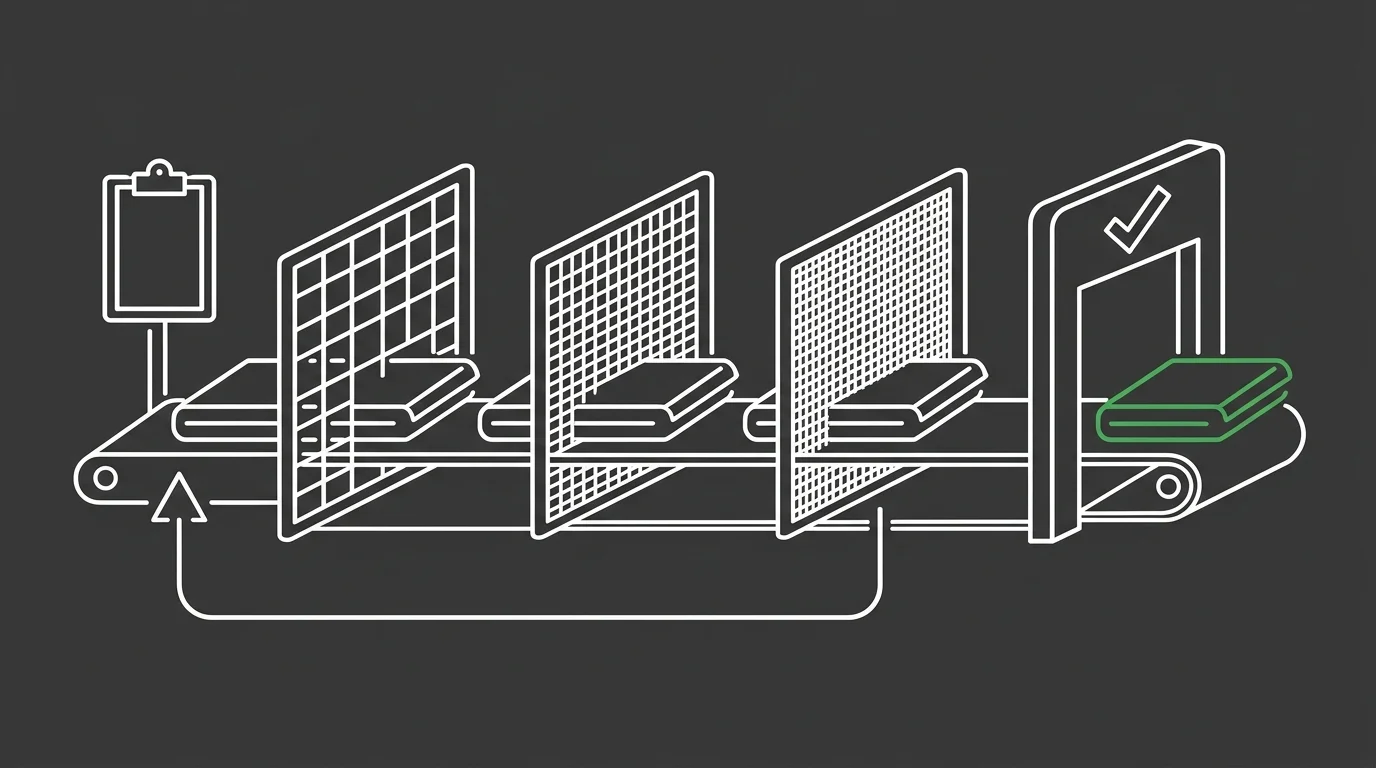
Every rejection you work after the fact is a claim that already cost staff time twice. Scrubbing catches those same errors before submission, so the clearinghouse never gets a reason to reject the claim in the first place.
| Prevention Layer | What It Catches | Where the Data Feeds Back |
|---|---|---|
| Front-desk intake scrubbing | Demographic mismatches, invalid payer identification numbers, and eligibility flags before a claim ever leaves the practice | Feeds back to the staff member who entered the data, closing the loop where the error started |
| Coding and pairing scrubbing | Diagnosis-to-procedure code mismatches and malformed code pairings that trigger an automatic clearinghouse rejection | Feeds back to clinical documentation habits, flagging which provider or template keeps generating the same pairing failure |
| Clearinghouse-level edit checks | Formatting errors and payer-specific submission rules that a practice's own software cannot see in advance | Feeds back to the error log itself, confirming whether a scrubbing rule upstream is actually working |
| Aggregate log review | Recurring rejection categories that only become visible once multiple claims are compared side by side | Feeds back to a workflow or training fix, converting a repeated rejection code into a permanent correction rather than a one-time patch |
Turning a Log of Errors Into a Front-Desk Training Loop
Read for patterns, an error log stops being a repair queue and starts working as training material. If the same demographic mismatch keeps surfacing, that's a front-desk intake step failing on repeat, not bad luck. Feed that pattern back to the staff entering the data, and you close the loop the log was built to expose.
Frequently Asked Questions
A few questions come up every time this audit gets built into a weekly routine. Here are the specifics worth nailing down before staff start working the log.
What is the difference between a clearinghouse rejection and a payer denial?
A rejection means the claim never made it to the payer for adjudication. A denial means the payer got it, reviewed it, and refused payment on the merits.
How often should a practice audit its clearinghouse error logs in Jane App or ChiroFusion?
Weekly is the minimum for spotting a pattern before it compounds into a backlog. A practice running higher claim volume benefits from checking the log daily.
What are the most common clearinghouse rejection codes for chiropractic claims?
Demographic mismatches, invalid payer identification numbers, and diagnosis-to-procedure pairing failures dominate most logs. Eligibility flags show up almost as often, usually from an outdated member number rather than an actual coverage gap.
Can correcting and resubmitting a rejected claim be automated from the error log?
Scrubbing tools can catch some errors before submission and stop them from ever reaching the log. Correcting and resubmitting a claim still requires a person reading the reason code and fixing the actual field.
Where does the clearinghouse rejection report appear inside Jane App?
It sits inside the insurance or claims section, not a general ledger or reporting view. Staff filter by status there to isolate the rejected or unpaid claims.
Does ChiroFusion show real-time claim status updates from the clearinghouse?
Yes. Each flagged claim carries a status marker and the rejection reason pulled straight from the clearinghouse feed, right inside the claims management module.
What This Means
An error log is not a to-do list of failed claims. It is a signal system, and every recurring code is that system flagging a workflow step before it costs another week of revenue.
Read it claim by claim and you find the field. Read it as a pattern and you find the habit behind the field — and that's the only fix that actually holds.
So treat the log as the data feed it already is. If auditing that feed inside Jane App or ChiroFusion is eating time the front desk doesn't have, book a call with Bushido Billing to talk through what a structured review would look like for your claims.