

Why Are My Chiropractic ERA Files Missing in 2026? (Troubleshooting Guide)
When your Electronic Remittance Advice (ERA) files stop arriving, it creates a frustrating situation. Payments are hitting your bank account, but you can’t tell which claims they belong to. Your AR report looks off. Patient balances are unclear. And your billing team has to spend extra time tracking down information that should have arrived automatically.
The good news is that most missing ERA files aren’t actually lost. They’re usually waiting somewhere in the delivery chain, and with a systematic approach, you can find them and get your payment posting back on track.
Missing 835 files in 2026 typically come down to one of three things: a connectivity issue with your clearinghouse, a delivery issue on the payer’s end, or a configuration issue in your EHR. This guide walks through each scenario and shows you exactly where to look.
We’ll start with reducing chiropractic denial rates by making sure your remittance data is flowing correctly. Because when ERAs are missing, it’s not just about posting payments—it’s about having clear visibility into what’s actually happening with your claims.
The first place to check is your clearinghouse portal. If the file is there waiting to be downloaded, you’ve found your answer quickly. If it’s not there, you’ll need to work with the payer to understand what happened.
Let’s work through the diagnostic process together, starting with identifying revenue leakage that can result from these missing files.
Understanding Why ERA Files Go Missing in 2026
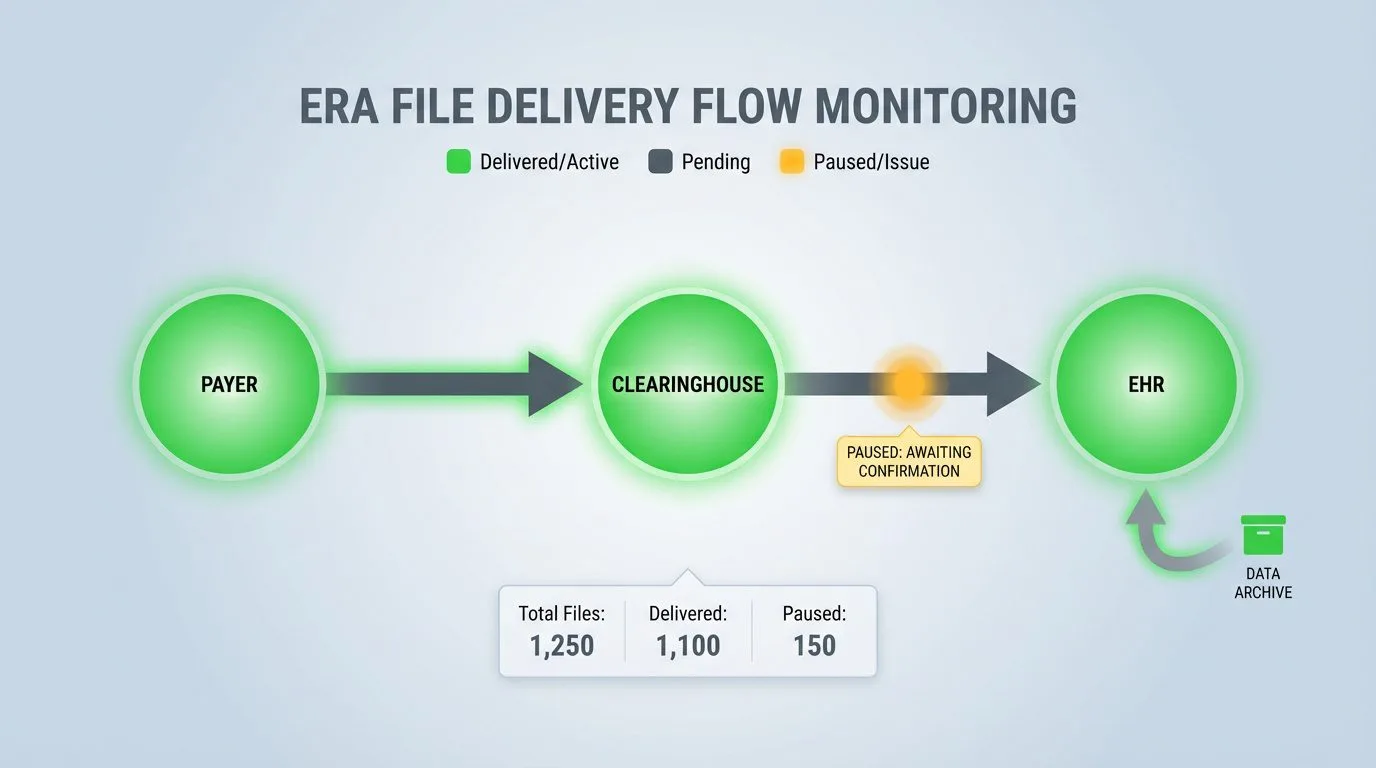
An Electronic Remittance Advice is a standardized X12 835 transaction that shows exactly how a payer processed your claim. It tells you what was paid, what was adjusted, and why. Without it, a deposit in your bank account is just a number without context, and your team has to research each payment manually to figure out what it covers.
In 2026, we’re seeing more ERA delivery issues than in previous years. This is largely due to two industry changes that happened around the same time.
Changes Following the Change Healthcare Situation
The February 2024 Change Healthcare cyberattack affected ERA delivery for thousands of practices across the country. While the immediate situation has been resolved, some lingering effects continue to cause issues.
Many practices that switched to alternative clearinghouses during that time never fully re-enrolled with their original vendors afterward. Others have found that their ERA routing changed when Change Healthcare came back online with updated security requirements.
According to HFMA reporting, the Relay Exchange platform now requires new SFTP credentials and updated authentication for secure batch ERA connections. If your practice was using Change Healthcare before February 2024, your previous credentials may no longer work.
What this means in practice is that your clearinghouse might show that an ERA was successfully transmitted, but your EHR never received the file because the receiving connection needs to be re-established.
The 2026 HIPAA Security Updates
The proposed HIPAA Security Rule updates published in January 2025 require multi-factor authentication for all systems that access electronic Protected Health Information. This includes the pathways used to deliver ERA files.
Many clearinghouses and payers have already put these requirements in place ahead of the official compliance deadline. According to HHS guidance, the shift from “addressable” to “required” security specifications means that basic SFTP connections without MFA may no longer be accepted.
If your practice is using an older EHR version with a standard SFTP setup, your ERA auto-delivery may have stopped working. In many cases, there’s no error message—the connection simply stops working, and files accumulate at the clearinghouse.
This is particularly common for practices using server-based versions of ChiroTouch or other systems that haven’t been updated to support the newer authentication protocols.
A Three-Step Diagnostic Approach
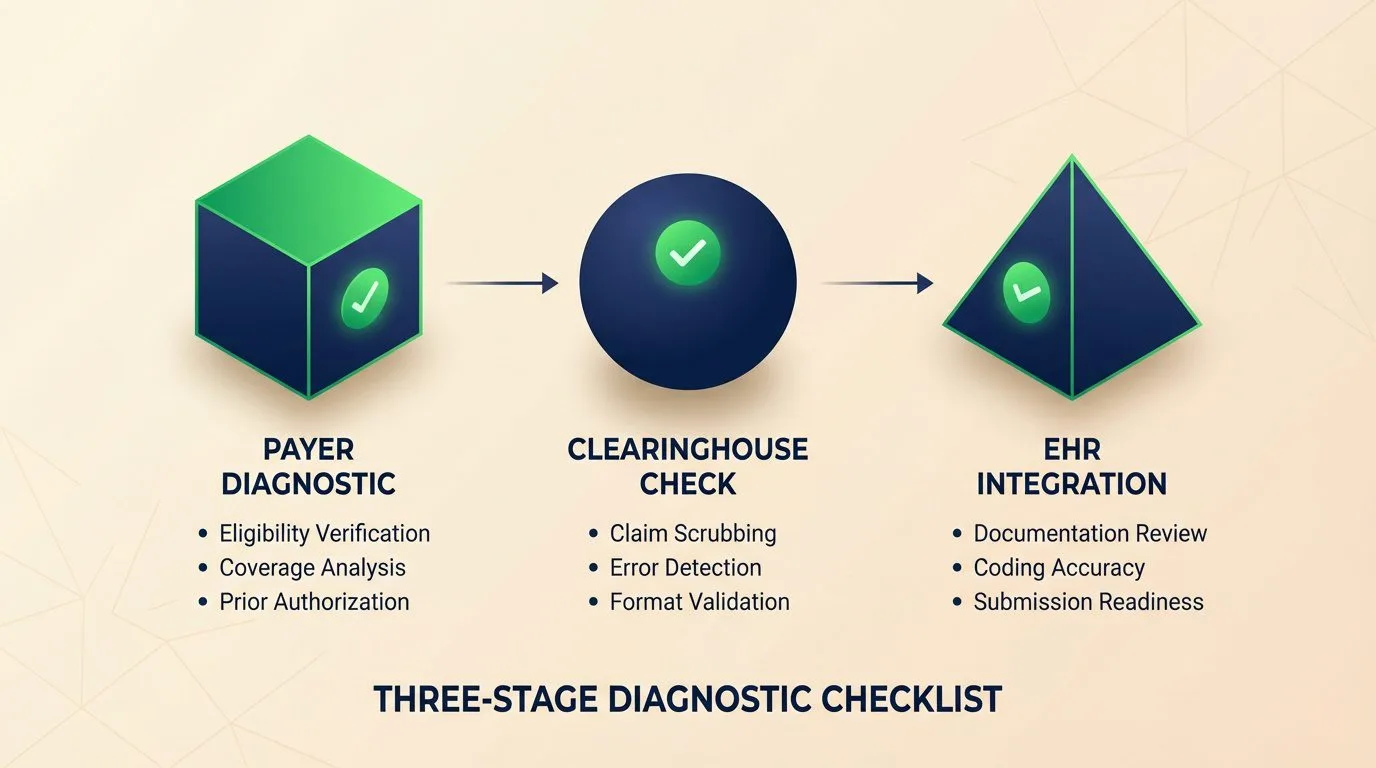
When an ERA goes missing, the issue exists at one of three points: the payer, the clearinghouse, or your EHR. Working through each one systematically helps you find the source without spending time in the wrong place.
The table below outlines the most common situations and where to start.
| Location | What You’ll Notice | Where to Start |
|---|---|---|
| Payer Level | No ERA was generated, claims still show as pending | Contact the payer’s EDI department to check your ERA enrollment status |
| Clearinghouse Level | ERA was received but not forwarded, visible in the portal | Check your SFTP credentials and download the file manually |
| EHR Level | File was received but didn’t process, import errors in logs | Review ERA import logs and file format settings |
When an ERA goes missing, the issue exists at one of three points: the payer, the clearinghouse, or your EHR. Working through each one systematically helps you find the source without spending time in the wrong place.
The table below outlines the most common situations and where to start.
Step 1: Check Your Clearinghouse Portal
Log into your clearinghouse portal—whether that’s Claim.MD, Availity, Waystar, TriZetto, or another vendor—and go to the ERA or Remittance section.
Search for the date range when you expected the missing ERA. If the file shows up in your clearinghouse portal but didn’t make it to your EHR, you’re looking at a delivery issue rather than a file that was never sent.
Most clearinghouses keep ERA history for up to 10 years, so even older files should be available to download. You can download the 835 file directly and upload it manually to your EHR as a temporary solution while you work on the automated delivery.
One thing to watch for is the file format. Some EHRs need the raw 835 EDI file, while others require a specific processed format. Jane App, for example, needs the actual 835 file rather than the human-readable text version that some clearinghouses provide.
Step 2: Check Your SFTP Connection
If your clearinghouse shows that the ERA was sent but your EHR never received it, the connection between them needs attention.
Here are the most common things to check:
- SFTP credentials that have expired or been changed
- MFA requirements that were added and your EHR doesn’t support yet
- Firewall or network changes that are blocking the connection
- An API migration that made your old connection method outdated
For Claim.MD users, you can verify your SFTP settings directly in the Account Settings section. Look for the SFTP icon next to ERA records. If it’s there, the file was successfully sent to your system via SFTP. If it’s missing, the file is still at the clearinghouse.
If you’re using ChiroTouch, confirm that ERA files are set up to download automatically. The integration with TriZetto clearinghouse handles this, but configuration changes or software updates can sometimes affect the connection.
Step 3: Contact the Payer’s EDI Department
If your clearinghouse shows that no ERA was received from the payer, the issue is on the payer’s side.
Contact the payer’s EDI department directly (not general customer service) and ask them to verify:
- Your ERA enrollment is active and up to date
- The correct clearinghouse is listed as your trading partner
- The correct NPI and Tax ID are associated with your ERA enrollment
- There are no holds or blocks on your account
For Medicare claims specifically, ERA enrollment goes through your Medicare Administrative Contractor (MAC) and is separate from commercial payer enrollment. It’s worth confirming that your PECOS enrollment is current and that ERA delivery is properly configured for your MAC region.
Payer-Specific Considerations
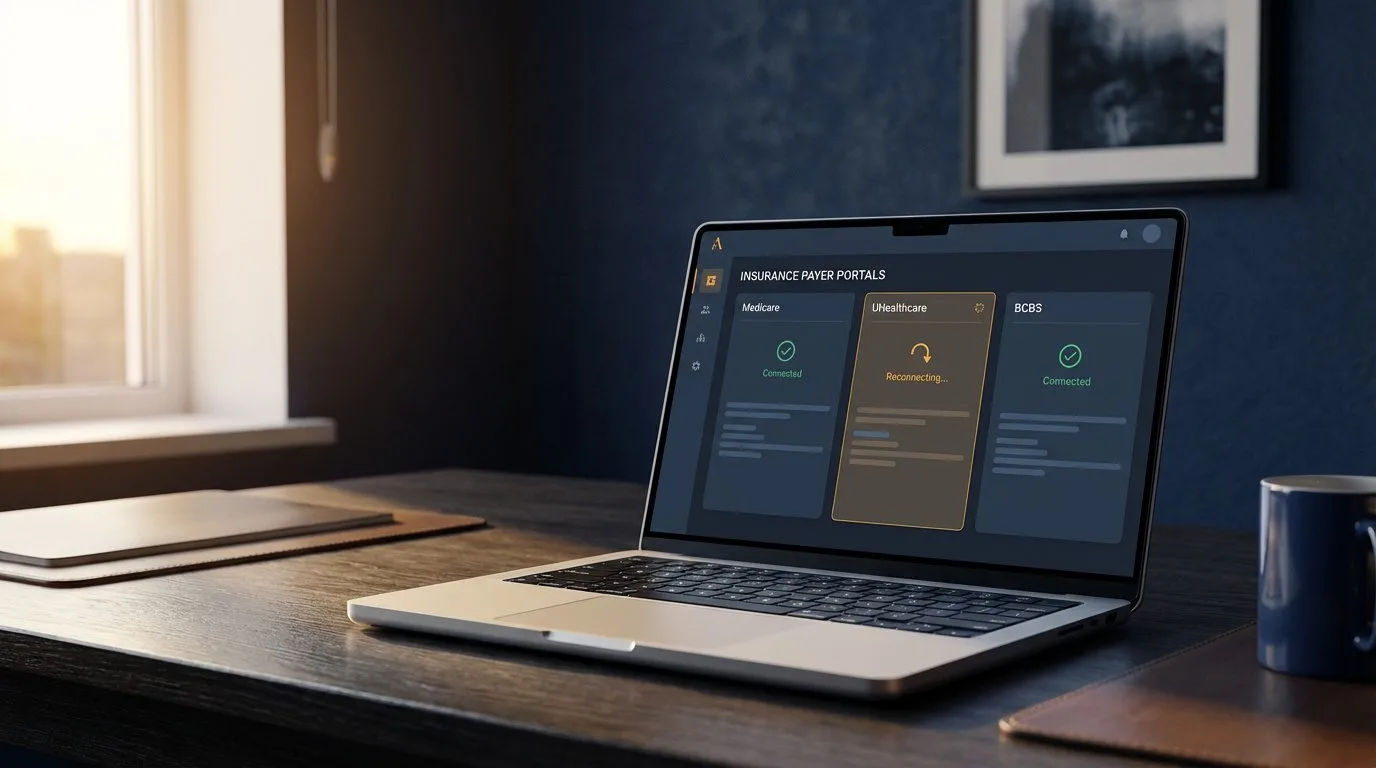
Different payers handle ERA delivery through different systems, and each has its own setup. Understanding these differences helps you ask the right questions when you’re troubleshooting.
Medicare ERA Considerations
Medicare ERAs are routed through your MAC, which operates separately from commercial insurance EDI. If your commercial ERAs are arriving normally but Medicare ERAs aren’t, you likely have a Medicare-specific enrollment issue to look at.
The CMS Electronic Remittance Advice resources explain that Medicare uses the ASC X12N 835 format at version 5010. CMS provides free PC-Print software for converting these files into readable formats if your EHR can’t process them directly.
Medicare also uses different payer IDs than commercial insurance. If your EHR routing tables are set up only for commercial payer IDs, Medicare ERAs may be arriving but not processing correctly.
Commercial Payer Variations
Each commercial payer maintains its own ERA enrollment and delivery system. UnitedHealthcare, for example, delivers 835 files through the Optum Pay portal and supports both clearinghouse delivery and direct download.
The table below shows enrollment methods for major chiropractic payers.
| Payer | How to Enroll for ERA | Typical Processing Time |
|---|---|---|
| UnitedHealthcare/Optum | Optum Payer Enrollment Services (OPES) | About 30 days from enrollment |
| Aetna | Optum Payer Enrollment Services | About 30 days from enrollment |
| Blue Cross Blue Shield | Varies by state, often through Availity | 2-4 weeks |
| Cigna | Through clearinghouse enrollment | 2-4 weeks |
| Medicare | MAC-specific enrollment through PECOS | 4-6 weeks |
If one specific payer’s ERAs are consistently missing while others arrive normally, that payer’s ERA enrollment is a good place to start.
When ERAs Arrive Through Multiple Channels
Some practices have inadvertently set up ERA delivery through more than one channel-receiving the same files through both their clearinghouse and directly from a payer portal.
This can create duplicate ERAs that cause posting errors and make reconciliation more confusing. It can also make delivery issues harder to spot because the practice assumes files are arriving when they’re actually only coming through one of the two channels.
It’s worth reviewing your ERA enrollment status with each major payer to make sure you have a single, clear delivery pathway set up.
When Payment Arrives But the ERA Doesn’t
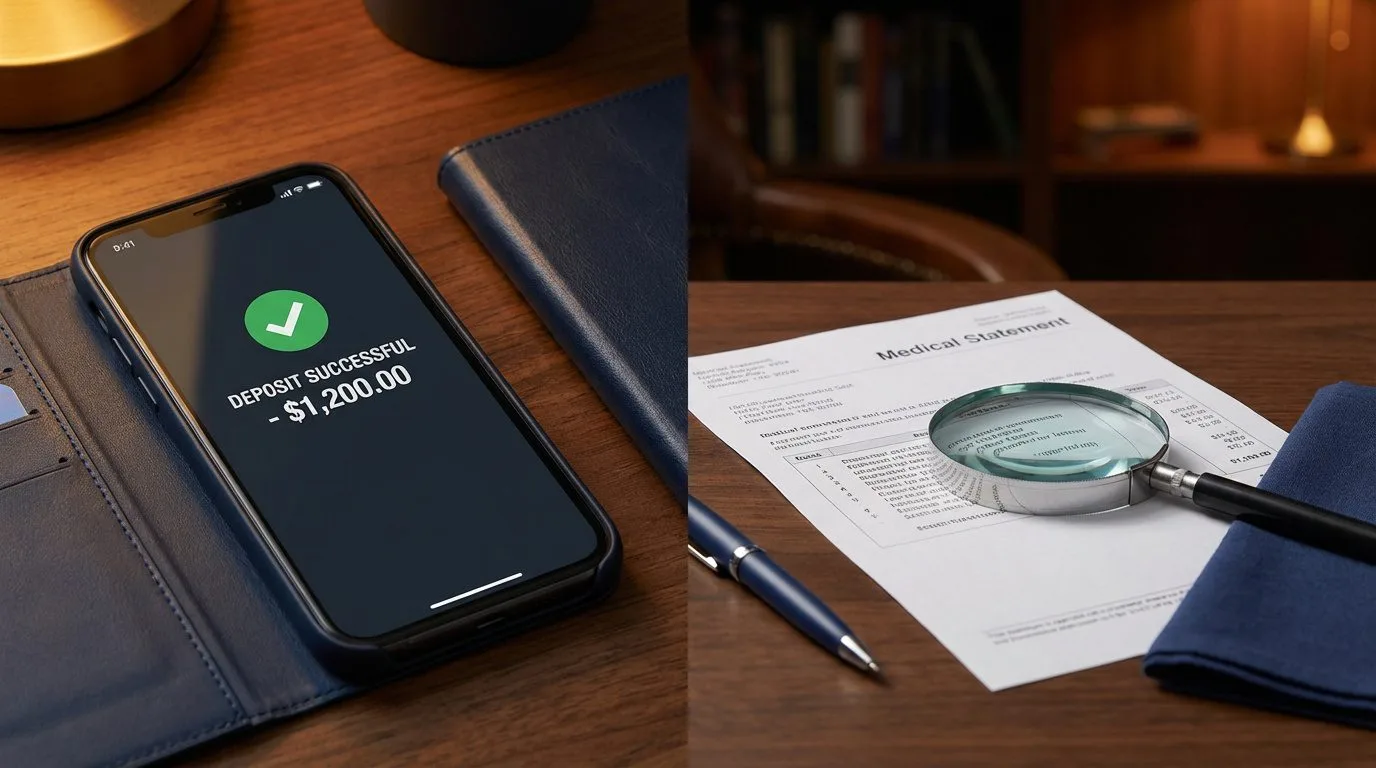
One situation that creates extra work is receiving EFT payments without the corresponding ERA files. Money shows up in your bank account, but you don’t have the documentation that explains which claims were paid or what adjustments were made.
This happens because EFT payments and ERA files travel through completely separate channels.
How Reassociation Works
The CAQH CORE Reassociation Rule requires payers to include a matching Trace Number (TRN) in both the EFT payment addenda and the corresponding ERA file. This TRN is what connects your bank deposit to the remittance details.
Here’s where it can get complicated: your bank may not be delivering the CORE-required CCD+ data elements in their deposit notifications. Without this data, you can’t match payments to their ERA details even when both arrive correctly.
According to CMS, health plans are required to release ERAs within three business days after the EFT Effective Entry Date. If you’re consistently receiving payments without ERAs after this timeframe, the issue is likely on the payer’s side rather than a delivery issue.
How to Recover When Reassociation Isn’t Working
If you have payments in your bank account that you can’t match to specific claims, here’s a helpful approach:
Start with your bank. Ask them to deliver the CORE-required Minimum CCD+ data elements for healthcare EFT payments. CAQH provides a sample letter you can send to your bank to request this information.
Then check your clearinghouse portal for any unprocessed ERAs from the payment date range. Even if auto-delivery didn’t work, the files may be available for manual download.
You can also contact the payer’s remittance department and ask them to regenerate specific ERAs. Most payers can resend historical remittance data when you provide the check number or EFT trace number.
Going forward, it’s worth verifying that both your EFT and ERA enrollments are active and pointing to the same delivery destination. A common situation is having EFT enrolled through one channel and ERA through another.
Older SFTP Connections and 2026 Requirements
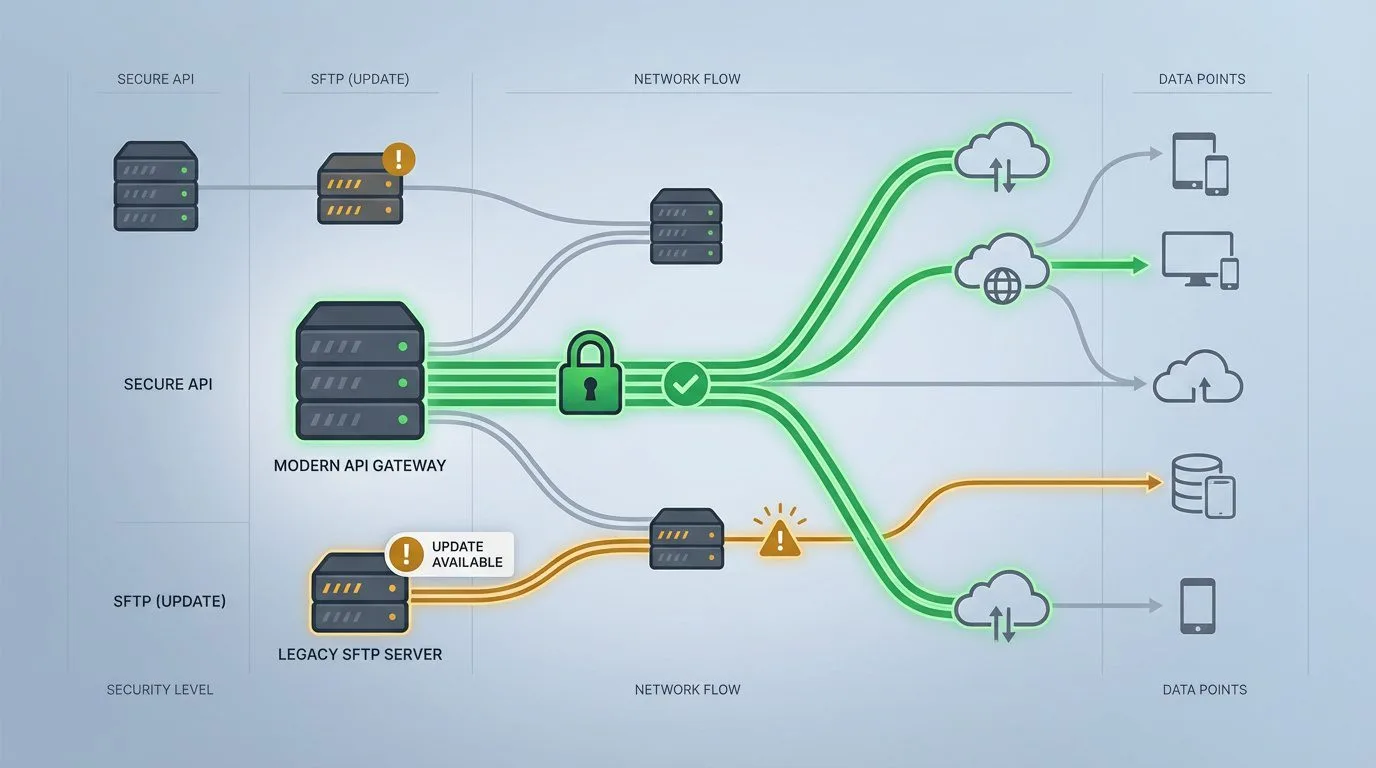
Many chiropractic practices are running into 2026 ERA delivery issues because their EHR uses older SFTP protocols that don’t meet the current security standards.
The shift to required MFA for all ePHI access points affects how clearinghouses can deliver ERA files to your system. Basic username and password SFTP connections are being phased out in favor of more secure methods.
How to Tell If This Affects Your Practice
You may be affected if your practice uses:
- Server-based ChiroTouch (the non-cloud version)
- An EHR that hasn’t been updated in the past 18 months
- Custom SFTP configurations that were set up before 2024
- Any system that connects to clearinghouses without multi-factor authentication
The typical symptom is ERAs that stopped arriving at some point without any notification or error message. The clearinghouse shows successful transmission, but your EHR shows nothing received.
Options for Updating Your Delivery Method
The solution depends on your EHR and clearinghouse combination.
For Jane App users, the platform supports automatic ERA syncing through Claim.MD. Check your SFTP settings to make sure the Receive ERA/835 field includes the correct format specification so files will drop into your Remittances folder automatically.
For ChiroTouch users, the cloud version includes updated connectivity options that meet current security standards. If you’re on the server-based version, it may be worth contacting ChiroTouch support to discuss migration options or API-based alternatives.
Some clearinghouses now offer API-based ERA delivery that works differently from SFTP. This typically requires your EHR to support the integration, but it avoids the authentication issues that affect older connections.
When reading an AR aging report, missing ERA files can make the numbers look worse than they are. Payments that were actually received appear unpaid simply because the remittance data didn’t arrive to post them.
A Manual ERA Recovery Process
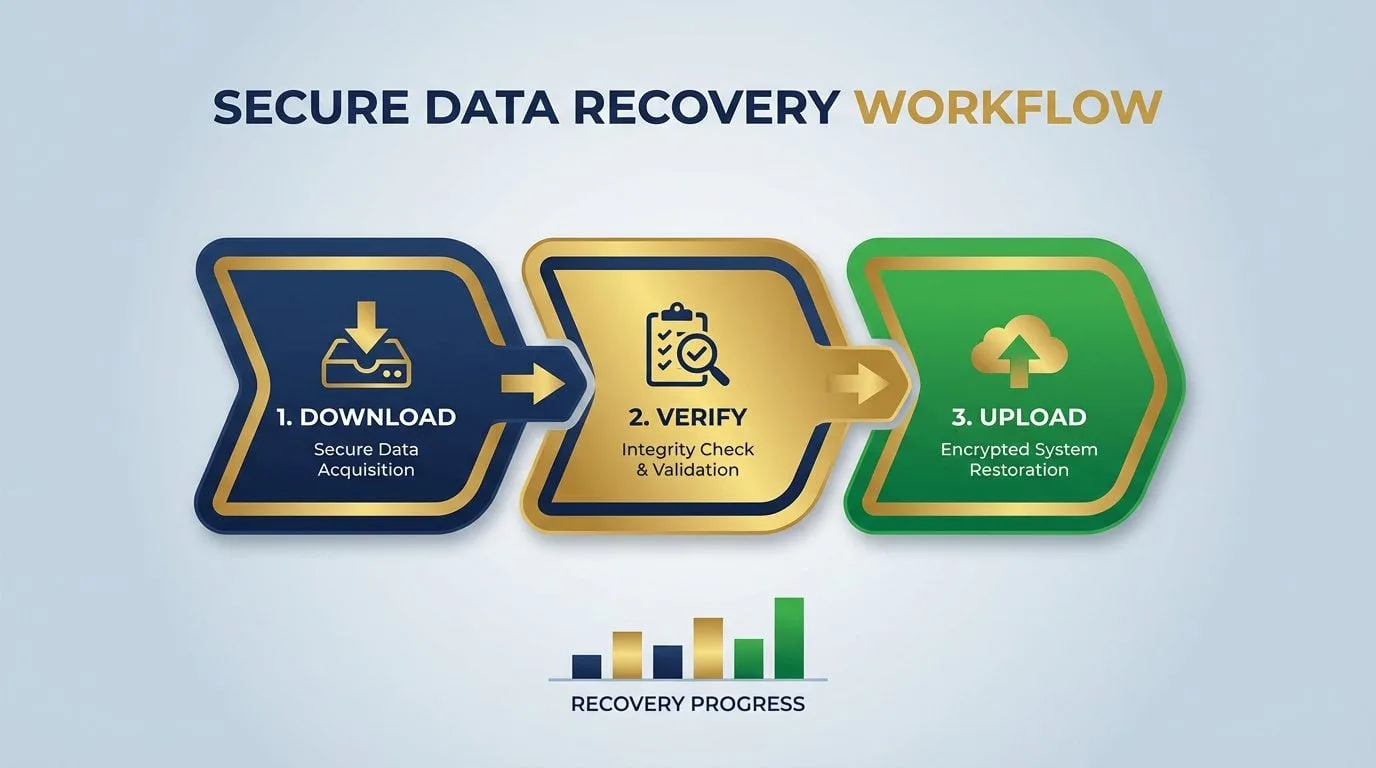
When automated delivery isn’t working, you need a reliable process for recovering missing ERA files. This isn’t a long-term solution, but it keeps payments posting while you address the underlying connectivity issue.
How to Download ERA Files Manually
Log into your clearinghouse portal and go to the ERA or Remittance section. Most platforms offer several search options:
- By date range
- By check number or EFT trace number
- By patient name
- By claim number
Start by filtering to show unprocessed or unviewed ERAs. This brings up files that arrived at the clearinghouse but were never downloaded to your system.
Download the 835 file format-not the PDF or human-readable version. Your EHR needs the actual EDI file to process payments correctly.
Uploading to Your EHR
The upload process varies by system, but the general workflow is:
- Go to your EHR’s remittance or ERA import function
- Select the downloaded 835 file
- Let the system process and match payments to claims
- Review any unmatched transactions for manual posting
For Jane App, upload through the Remittance Viewer in your Claims & Payments folder. The system will try to auto-match payments to existing claims.
For ChiroTouch, use the ERA import function within the billing module. Payments should post automatically to patient ledgers once the file processes.
Setting Up a Temporary Routine
Until the automated delivery issue is resolved, it helps to schedule regular manual downloads so ERA files don’t pile up.
Setting a calendar reminder to check your clearinghouse portal daily or every other day works well. Download and import any new ERAs manually. This keeps payments posting and prevents your AR from getting backed up while you work on the fix.
This routine also helps maintain predictable clinic cash flow even while you’re working through technical issues.
Setting Up Safeguards for the Future

Once you’ve recovered your missing files, it’s worth putting some safeguards in place to catch future delivery issues early.
Setting Up Delivery Alerts
Most clearinghouses offer alert settings that notify you when expected ERAs don’t arrive within a certain timeframe.
Claim.MD, for example, provides automatic alerts when expected remittances haven’t posted in a timely manner. You can configure these alerts to notify you after 5-7 business days of inactivity for payers you regularly submit to.
Your EHR may also have ERA monitoring features. Turning on notifications for processing errors or failed imports helps you catch issues right away rather than discovering them weeks later during reconciliation.
Keeping Track of Your Enrollments
Creating a simple document that tracks your ERA enrollment status with each payer can save time down the road. It’s helpful to include:
- Payer name and EDI identifier
- Enrollment date and current status
- Whether delivery is through a clearinghouse or direct
- Contact information for the payer’s EDI department
- Notes on any enrollment changes or issues
Reviewing this document quarterly helps ensure all enrollments stay active. Payer systems change, and enrollments can lapse or need re-authentication without any notification.
Monitoring Connection Health
For practices with automated ERA delivery, establishing a simple monitoring routine helps catch issues early:
- Check clearinghouse logs weekly for transmission errors
- Verify your SFTP or API credentials haven’t expired
- Test connections after any EHR updates or network changes
- Review firewall rules if you’ve made infrastructure changes
When connections have issues, they often don’t send error messages. A regular check helps you spot problems before they affect your revenue cycle. For practices dealing with broader billing challenges, understanding why claims get denied in the first place can help prevent issues from compounding.
Frequently Asked Questions
What do I do if my clearinghouse says the ERA was sent but it’s not in my EHR?
Start by checking whether your SFTP credentials have changed or expired. Then look at the clearinghouse portal for the actual file transmission timestamp.
If the file was sent, check your EHR’s ERA import logs for any processing errors. Many practices have found that their SFTP connection stopped working after 2026 MFA security updates. You can ask your clearinghouse to resend the file while you work through the connection settings.
How do I manually download a missing 835 file?
Log into your clearinghouse portal directly. Platforms like Claim.MD, Availity, and Waystar all keep downloadable ERA archives.
Go to the ERA or Remittance section, search by date range or check number, and download the 835 file. Then upload it manually into your EHR’s remittance import function. Most clearinghouses keep ERA files for up to 10 years, so you should be able to retrieve older files too.
Can a payer send a paper EOB but no ERA?
Yes, this happens when ERA enrollment hasn’t been completed with that specific payer. Without enrollment, they’ll send paper Explanation of Benefits instead.
Some payers also continue sending paper EOBs during a transition period after you’ve enrolled. You can check your enrollment status by contacting the payer’s EDI department directly. Under HIPAA, payers are required to support electronic 835 transactions, but providers need to actively enroll to receive them.
Why are my Medicare ERAs missing while commercial ones are arriving?
Medicare ERA enrollment is handled separately from commercial payers and goes through your Medicare Administrative Contractor (MAC).
It’s worth checking that your PECOS enrollment is current and that ERA delivery is set up through your clearinghouse for your specific MAC. Medicare also uses different payer IDs than commercial insurance, so your EHR routing settings may need to be adjusted.
How long should I wait before reporting a missing ERA?
Under CAQH CORE operating rules, payers are required to release ERAs within three business days after the EFT Effective Entry Date.
If you’ve received payment but no ERA after five business days, it’s reasonable to reach out to your clearinghouse first, then the payer’s EDI department. We recommend not waiting longer than two weeks, since the longer you wait, the more reconciliation work piles up.
Does an ERA delivery failure mean my payment is also missing?
Not necessarily. EFT payments and ERA files are sent through separate channels and often arrive at different times.
It’s a good idea to check your bank account for deposits even when ERAs are missing. The main challenge is that without the 835 file, you can’t see which claims the payment covers or what adjustments were made. So it’s a reconciliation issue rather than a missing payment.
What is the 835 Reassociation rule and why does it matter?
The CAQH CORE Reassociation Rule requires that the Trace Number (TRN) in your ERA matches the TRN in the EFT addenda record from your bank. This is what allows you to connect a payment to its corresponding remittance details.
If your bank isn’t providing the CORE-required CCD+ data elements in their deposit notifications, you won’t have the information you need to match payments with their ERA details. You can contact your bank to request delivery of these elements.
Are new 2026 security updates blocking my ERA files?
This is possible. The 2026 HIPAA Security Rule updates require multi-factor authentication for all systems that access ePHI. Many clearinghouses and payers have implemented stricter SFTP authentication requirements as a result.
If your EHR uses basic username and password SFTP, it may no longer meet the updated security standards. Your clearinghouse can help you understand whether API-based alternatives or updated authentication protocols are available.
Moving Forward
Missing ERA files are a solvable problem. With a systematic approach, you can identify where the issue occurred and put the right solution in place.
Start with your clearinghouse portal-that’s where you have the most visibility. If the files are there waiting, the issue is delivery. If they’re not there, you’ll want to work with the payer to understand what happened.
Taking a few minutes to set up monitoring now can save significant time later. The practices that have the smoothest revenue cycles are typically the ones that catch issues early rather than discovering them during reconciliation.
If you’re thinking “this all makes sense, but I don’t have time to work through clearinghouse connections,” you’re not alone. Most clinic owners we work with felt the same way before they realized how much time was being spent on billing issues that could be handled more efficiently.
That’s why we offer a free discovery call. It’s a chance to talk through your current billing situation and get clarity on what’s working, what’s not, and what your options are.
We’ll help you understand:
- Where your claims might be getting held up
- What’s causing denials or delays
- Whether your AR is healthy or needs attention
- How your current process compares to what we typically see
- What a partnership with Bushido would actually look like
Book a Call – no pressure, no obligation, just a straightforward conversation about your billing.
Because every hour spent tracking down missing remittance files is an hour that could be spent on patient care-and that’s what you’re in this for.
SCHEDULE YOUR FREE DISCOVERY SESSION TODAY.

© . All Rights Reserved | Web Design by iTech Valet